
In the delivery addresses module you can maintain and manage addresses for orders and share them with colleagues. This ensures that orders are delivered correctly – regardless of whether they are personal, project-related or general delivery addresses.
-
Delivery addresses can be made visible individually or company-wide.
-
Delivery addresses you have created:
-
can only be edited by you,
-
can be shared by you,
-
are available to you when ordering.
-
Creating a new delivery address
- Click "Add delivery address".
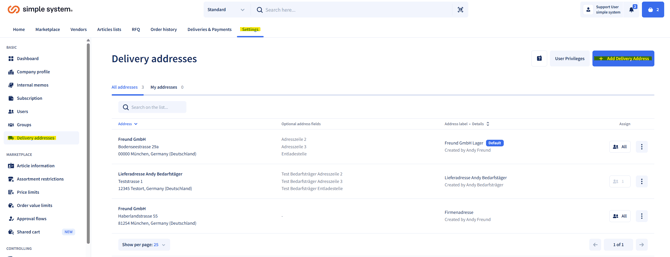
- Enter the required address.
- Optional: add additional information or recipients.
- Save the address
-> You can create any number of delivery addresses
Visibility and permissions
-
Delivery addresses can be assigned to:
-
all users,
-
a group,
-
individual users.
-
-
A combination of these assignments is not possible.
-
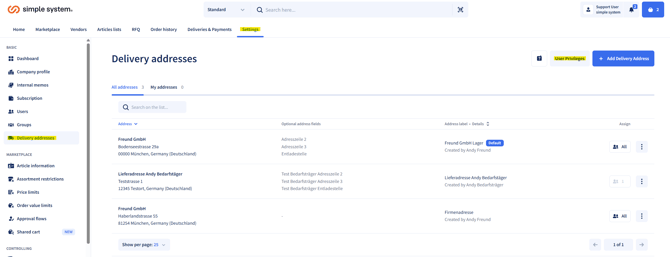
Under User privileges you can grant shoppers the permission to create delivery addresses themselves.
Personalisation by shoppers
-
When placing an order, shoppers can add the following to the delivery address:
-
personalised additional information,
-
different recipients.
-
-
These settings are always maintained by the user themselves and cannot be specified by administrators.
Instructions for administrators